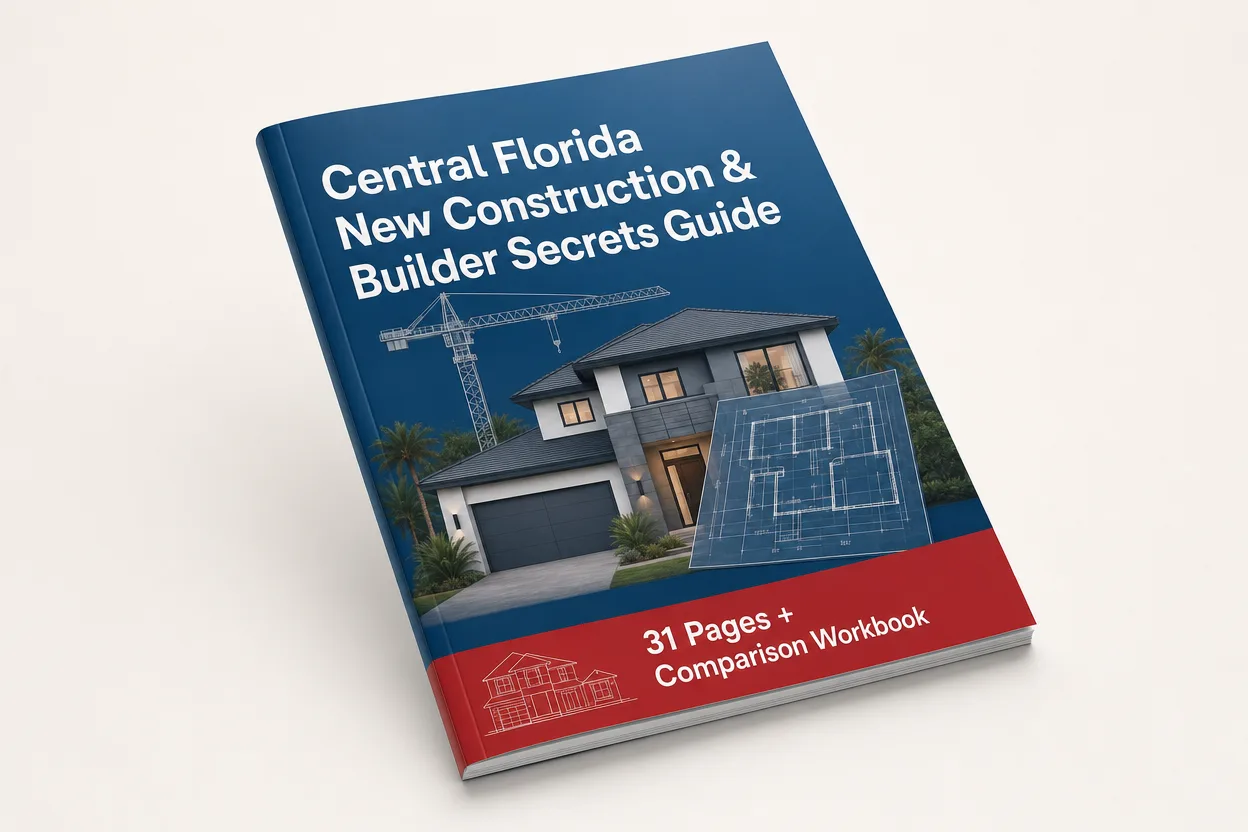
Central Florida New Construction & Builder Secrets Guide
A comprehensive buyer-facing resource for evaluating production and large regional homebuilders in the Greater Orlando area: builders, communities, pricing, quick move-in homes, incentives, financing, HOA and CDD costs, lots, upgrades, contracts, inspections, insurance, and the true cost of buying a newly constructed home.
What you get
Four pieces built to be used during your research, so you can compare builders and communities on the factors that matter to you.
The 31-page guide
A practical walkthrough of buying new construction: before you visit a model home, the buying roadmap, buyer representation, true cost education, incentives and financing, contracts and deposits, independent inspections, lot strategy, upgrades, insurance and resiliency, builder quality and warranty, resale implications, and 10 new construction red flags.
Community Comparison workbook
An Excel comparison workbook with filterable tabs: Community Comparison, Builder Comparison, My Shortlist, Incentive & Financing, and All-In Monthly Cost, so you can compare communities, builders, pricing, incentives, and financing side by side.
Google Sheets + maintenance notes
A native Google Sheets version of the workbook that works in your browser and stays synced, plus clear maintenance and update instructions for keeping your comparisons current as pricing, incentives, and availability change during your search.
How to use it
Follow the recommended buyer workflow: research first, compare in the workbook, and verify everything before you sign.
Start before you visit a model home
Read the Before You Visit a Model Home section before you contact or register with builders, then use the buying roadmap to understand the process. The on-site sales team works for the builder, so know your own representation before you register.
Compare communities and builders in the workbook
Start with geography rather than choosing a builder first. Filter the Community Comparison tab by your criteria, add up to five options to My Shortlist, use Builder Comparison for objective differences, then enter competing financing and incentive offers into Incentive & Financing and model the All-In Monthly Cost.
Verify everything before you sign
Use the Questions to Ask Every Builder worksheets, investigate the specific lot and the future development around it, and confirm current pricing, incentives, fees, and availability. Builder information changes frequently, so treat it as a researched snapshot, not a guaranteed quote.
Get the free guide
It's free. The download page asks for your name and email so the guide and both versions of the workbook can be sent to the address you provide.
Get the free guideOther Free Guides
- Sight-Unseen Remote Buyer's Protection Toolkit: 27-point fillable checklist plus a bonus pre-offer decision checklist for buying a home without visiting in person.
- Florida Residency & Tax Savings Blueprint: 19-page guide, companion calculator, and fillable Florida Residency Checklist.
- Orlando Commuter's Navigation & Toll Road Guide: guide plus commute-comparison workbook.
- View all free guides on the Downloads hub.